
How to prepare for a video consultation
A few minutes of preparation make the video consultation more useful. This is the checklist we recommend before you connect.
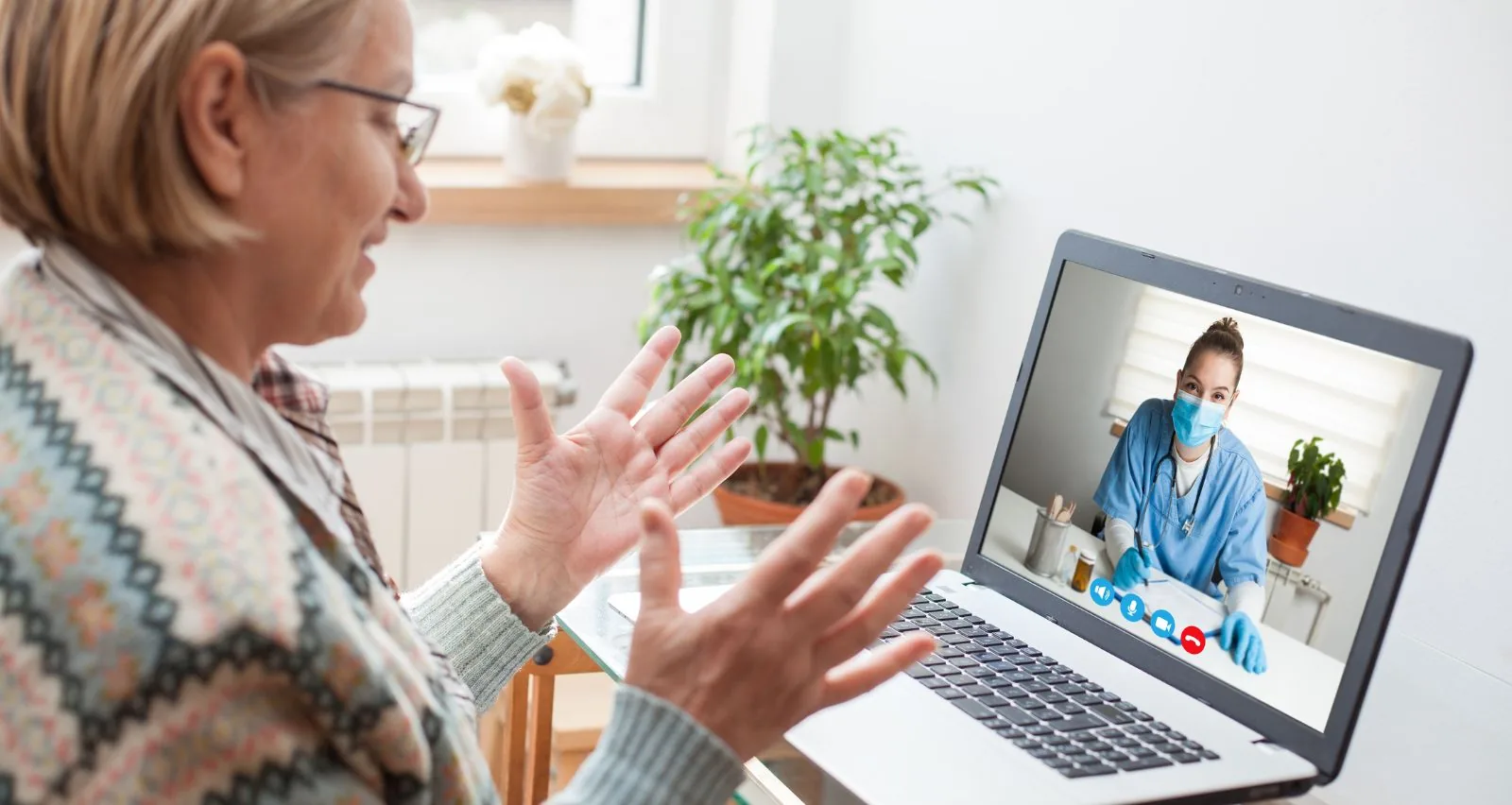
1. Your connection and your device
- Use a phone, tablet or computer with a camera and microphone, and a charged battery (or plugged in).
- The video call takes place on Google Meet or WhatsApp; when we schedule the time we tell you which one we will use.
- Prefer Wi-Fi or a good mobile signal. Connect a few minutes early to test audio and video.
2. The place
Choose a quiet space with good light on your face and no background noise. If you are going to show an area of your body (for example, a skin rash), try to have natural light or a lamp.
3. What to have on hand
- Your ID card or passport.
- The name and dose of the medications you currently take (you can keep the boxes nearby).
- Your allergies and previous conditions.
- Results of recent tests or consultations related to what is happening.
- If you have them at home: a thermometer, blood pressure monitor or pulse oximeter. Measure before the consultation and note the values and the time.
4. Tell it in order
Before you connect, write down: what symptoms you have, since when, what makes them better or worse and what you have done so far. Also write down your questions so you don't forget them. If the patient is a child or an older adult, it helps to have someone with them who knows their history.
5. When you finish
Ask how you will receive the instructions, whether you need tests or a follow-up, and which signs should make you consult again or go to the emergency room. If the professional indicates it after the assessment, you can receive an electronic prescription and, if appropriate, a digital medical leave certificate.
This preparation helps the professional assess you better, but it does not replace an in-person assessment when one is needed.
If there is a risk to life, don't wait: call 131 (SAMU) or go to the nearest emergency department. SmartDoctor is not an emergency service.
This guide is informational and does not replace an assessment by a health professional. Our professionals are certified by Chile's Superintendencia de Salud: you can check the official registry.
Frequently asked questions
How much does a video consultation cost?
CLP $35,000 during the day (8:00 to 20:00) and CLP $50,000 at night (20:00 to 24:00). A receipt is provided.
What do I do if the connection drops?
Reconnect through the same link or through WhatsApp. If you can't, message us on WhatsApp to resume the consultation.
Is a video consultation suitable for an emergency?
No. If there is chest pain, severe difficulty breathing, loss of consciousness or another risk to life, call 131 (SAMU).